WSWA Changes Its Mood, Not Its Course
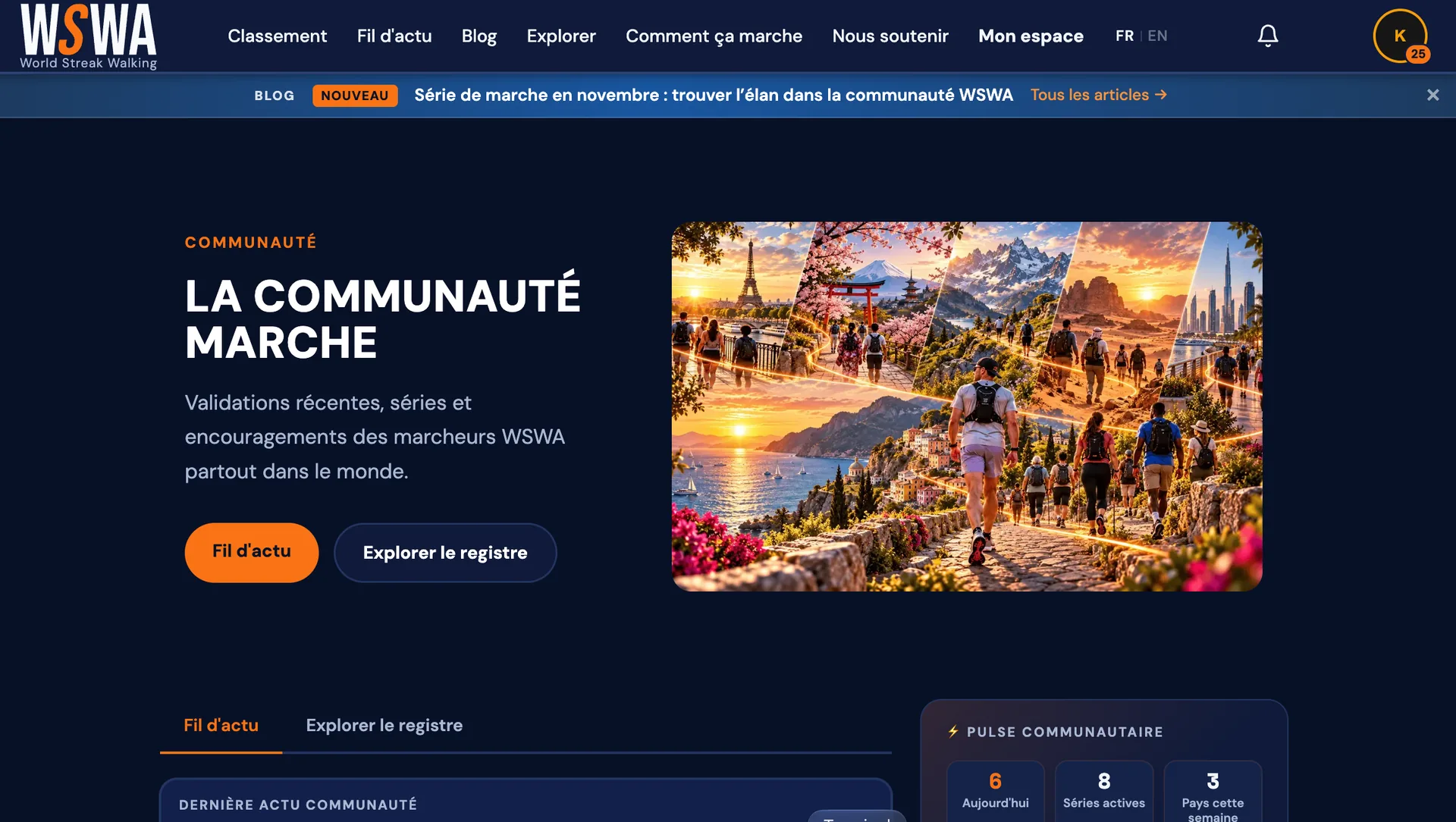
Do you check your dashboard after a walk, scroll through the community feed, or read an article at the end of the day? You can now enjoy WSWA in a new look: dark mode is coming to the website.
Midnight blue backgrounds, more subdued surfaces, and WSWA orange as your guide: the interface looks different, but it keeps its familiar habits. Your activities, your streaks, your badges, and your goals stay exactly where you left them. And if you prefer the light interface, nothing obliges you to change.
The idea is simple: you choose the theme that suits you, whenever you like.
Light, Dark, or Automatic: Three Options
The new appearance setting offers three choices. None is better than the others: each one fits a different way of using the site.
Light: The Usual Display
This is the interface you already know, with its light backgrounds and familiar colors. Light remains the default choice: if you do nothing, WSWA keeps displaying as before, even if your phone or computer uses a dark theme.
Dark: A Different Mood for Browsing WSWA
When you choose Dark, the main pages adopt midnight blue backgrounds, dark cards, and suitably adapted text. Orange is still there to highlight actions and important elements.
It's a great option if you like dark interfaces, especially when you check your progress in the evening. You can just as well turn it on in the middle of the day: this choice isn't tied to a specific time.
Automatic: WSWA Follows Your Device
With Automatic, WSWA follows the appearance preference set on your system. If your device switches from light to dark, the site follows that change. And when the system goes back to light, so does WSWA, without you having to adjust the setting each time.
Please note: Automatic follows the system setting, not the time of day or the ambient brightness directly. The behavior therefore depends on how your device is configured.
How Do You Turn On Dark Mode on WSWA?
There's nothing complicated to do, and no new app to install.
- Open wswa.world in your usual browser.
- Scroll down to the footer (at the bottom of the site).
- Find the Appearance setting.
- Select Automatic, Light, or Dark.
The change applies immediately. You can come back to the same spot to change your mind at any time.
Your choice is stored in a preference cookie, wswa_theme, for one year. It is used only to restore your preferred appearance on your next visits, not to track your activity. You don't need to be logged in to choose a theme.
For now, this setting is specific to each browser and each device. If you switch from your computer to your phone, you'll be able to choose your preference again.
The Same WSWA, from the Dashboard to the Blog
Dark mode isn't limited to a different home page. It supports the everyday uses of the website: checking your dashboard, looking at your Rings, following your Walking Score, finding an activity in the feed, browsing the World Registry, or visiting a member's profile.
You can also move from a blog article to an Explorer page, then return to your progress without suddenly landing on a very bright page. Menus, forms, and buttons have been adapted to keep reading comfortable and navigation consistent.
Picture an ordinary day: you log your outing, look at how your streak is coming along, cheer on another walker, and take a few minutes to read a WSWA Flash. Dark mode goes along with that journey, but it asks for no extra action to enjoy the features.
Your walks and your rewards stay the same
This new look does not change any WSWA challenge rule. One outing of at least 3.2 km (2 miles) still counts for the day. Several shorter outings cannot be added together to reach that threshold. Your kilometers, your streak, your certifications, your badges and your rankings work just as they did before.
You can still record your activities with Strava or declare them on your honor, check the three Rings and join the conversation in the community feed. Dark mode adds no obligation and takes nothing away: it simply lets you choose the setting in which you follow your progress.
If you are new to WSWA, you can also take the time to understand the 3 WSWA Rings and their role in your daily tracking. Your motivation remains personal, whichever theme you select.
On computer and on mobile browser
This new feature applies to the WSWA website, whether you visit it on a computer or from your phone's browser. The display adapts to different screen sizes and keeps the same three customization options.
One important distinction: the native iOS and Android apps do not have this new dark mode yet. Their interface is not changed by the setting you choose on the website. Emails, PDFs and certificate verification pages also keep their usual appearance.
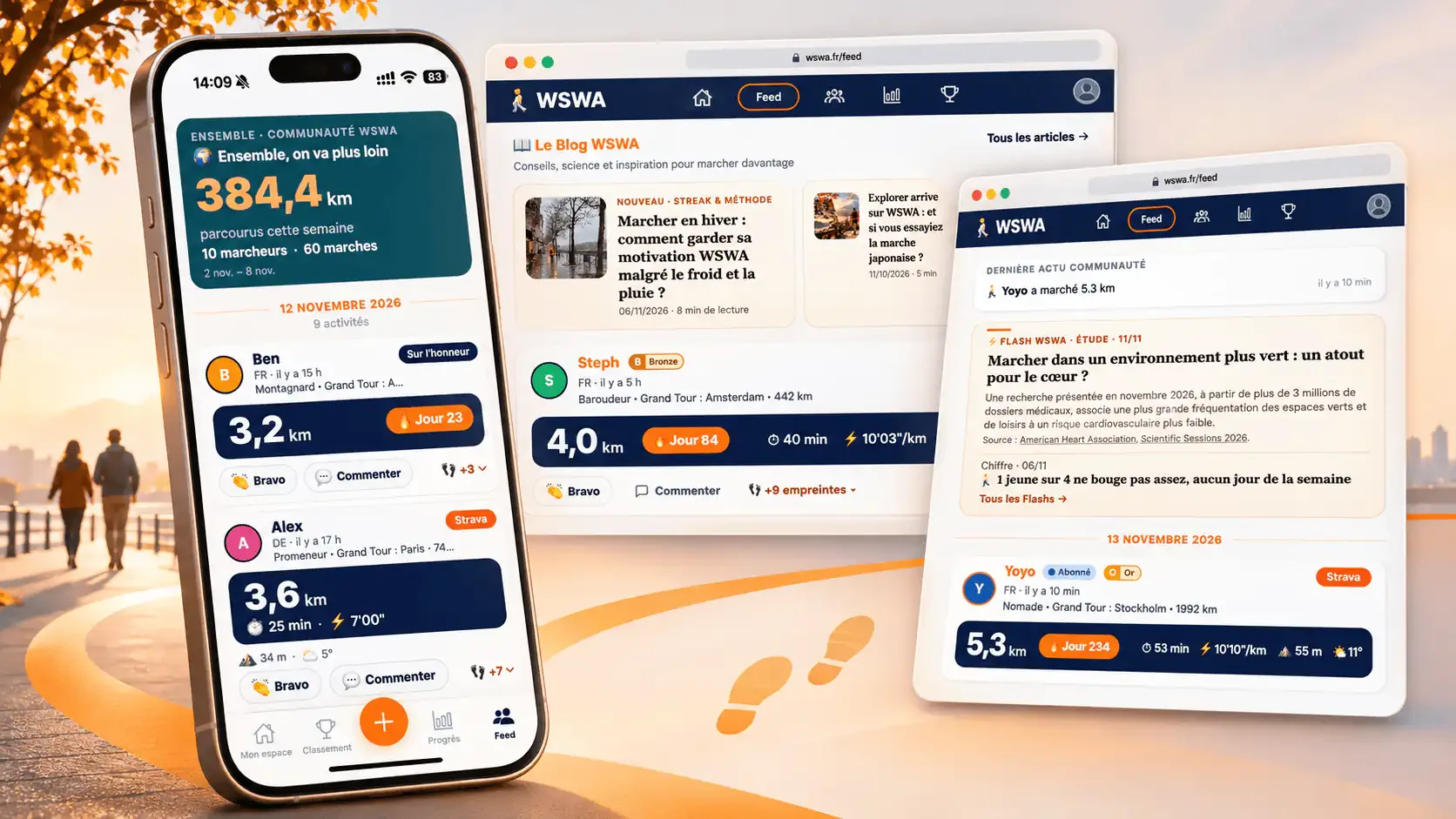
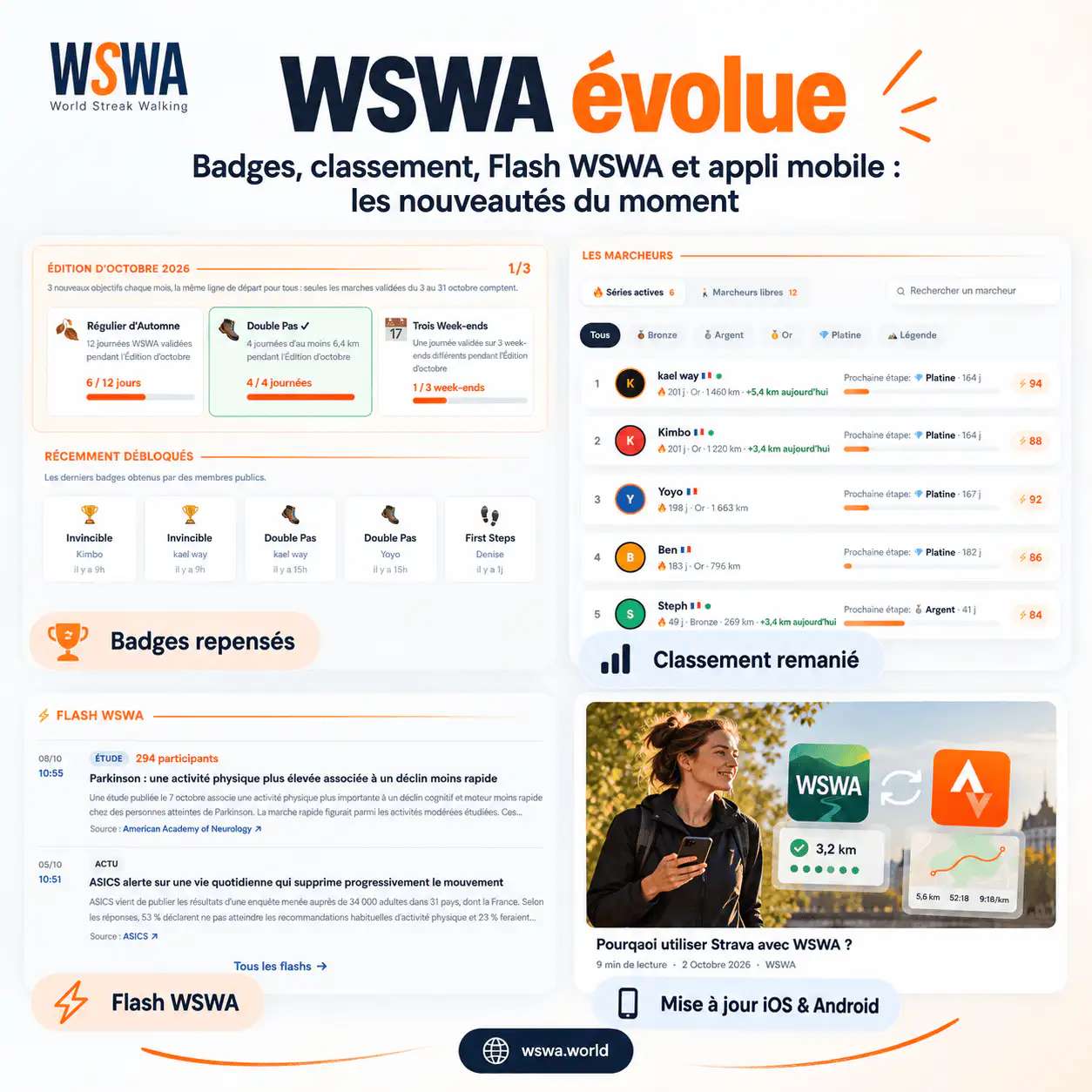
This update is part of the regular improvements to the site, like those presented in the article WSWA Evolves: Badges, Rankings, WSWA Flash and Mobile Apps. It does not replace any of the features you already use.
It's up to you to choose your WSWA
Some will stay with light, others will switch to midnight blue right away, and others will let their device decide. What matters is that the interface adapts to your preferences, without drawing attention away from your walks and your consistency.
Try dark mode on your next visit to wswa.world. And if you notice something hard to read or an unusual display detail, you can report it to us from the site's Contact page. Your feedback will help us fine-tune this new experience.